ZCode Agent
ZCode Agent is ZCode's self-developed core development agent, designed for long-running tasks and stable execution. It brings task understanding, model access, permission control, file references, command execution, change review, and commit flow into one desktop-native workspace, making it suitable for longer, multi-step development tasks.
Long-Task Capability
ZCode Agent is built for Long Horizon Tasks. It keeps context around the same task and brings project files, terminal output, browser context, execution modes, and Git state into one continuous workflow. It is well suited for work that requires planning, multi-file edits, repeated verification, and a clean finish.
In long-task and benchmark-style scenarios, ZCode Agent focuses on whether work can continue all the way to a usable result, not only on the quality of a single response. Planning, execution history, verification results, and Review state stay on the same task path to reduce mid-task context breaks.
| Capability Layer | ZCode Agent Performance | Best For |
|---|---|---|
| Long-task planning | Keeps track of goals, constraints, conversation history, and execution progress | Refactors, migrations, complex feature delivery |
| Stable context | Combines file references, terminal output, browser elements, and Git state | Multi-file edits, frontend implementation, issue diagnosis |
| Engineering execution | Uses files, terminal, browser, and Review panel inside the same workspace | Bug fixes, test verification, pre-commit checks |
| Continuous delivery | Moves through planning, implementation, verification, and wrap-up inside one task | End-to-end development, remote collaboration, mobile follow-up |
Stability
ZCode Agent understands the ZCode workspace, task list, file references, model picker, execution modes, and Git branch state directly. During long-running work, it keeps key context inside the same task, reducing repeated explanation and state loss so planning, edits, verification, and Review connect more reliably.
Self-Developed Agent Foundation
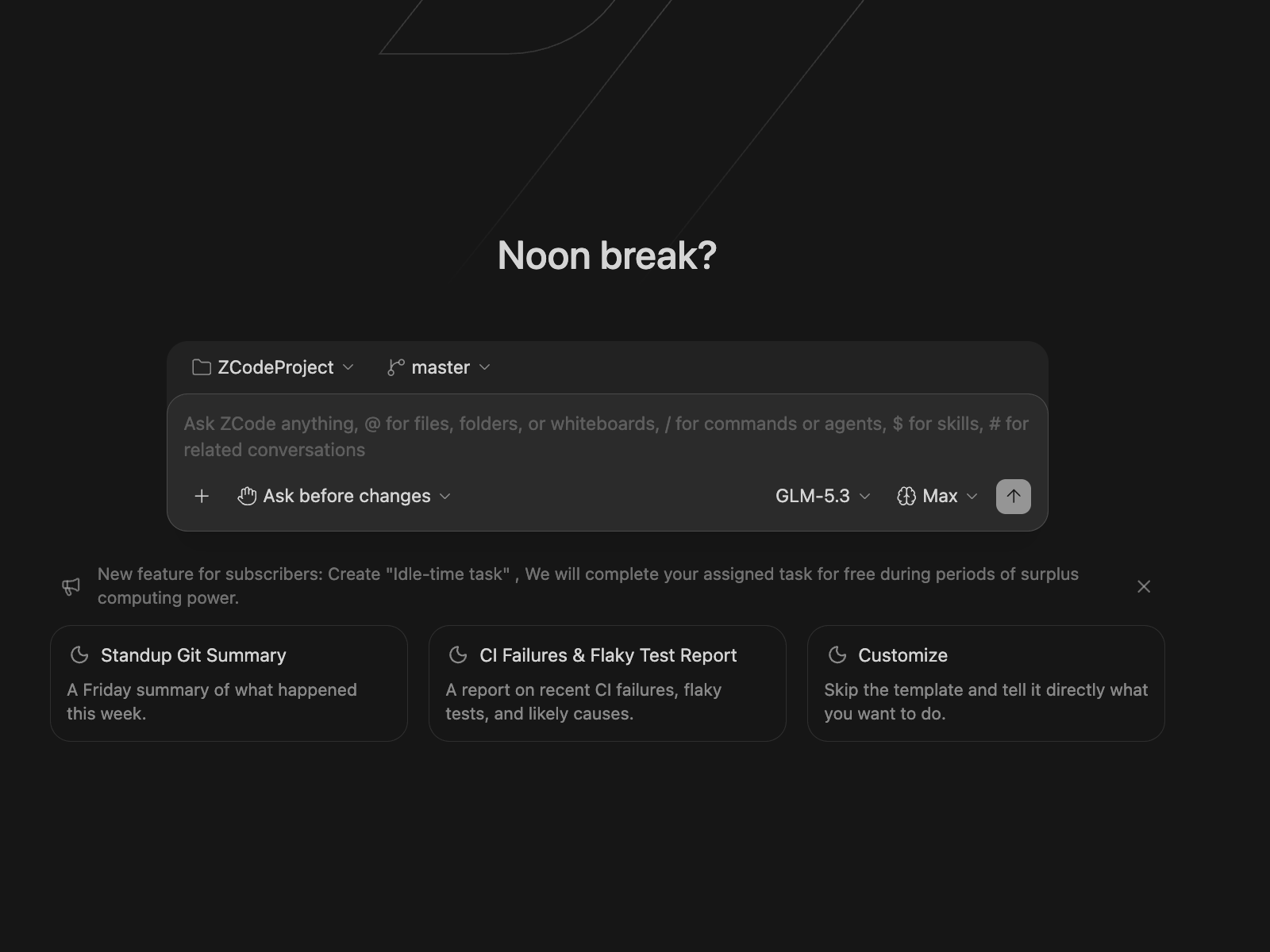
As ZCode's self-developed Agent, ZCode Agent is tightly connected to the desktop product: task queue, permission confirmations, file tree, terminal, built-in browser, remote workspace, and Review panel all work around the same Agent. You can switch between the four modes — Ask before changes, Edit automatically, Plan, and Full access — depending on task risk, letting the Agent keep moving within clear guardrails.
Workflow Suggestions
- Start with the outcome: describe what you want to build, fix, or analyze so ZCode Agent can establish the task boundary.
- Add context deliberately: reference files, screenshots, or browser elements with
@to reduce repeated explanation. - Plan before broad changes: use plan mode for complex work, confirm the path, then let the Agent edit code.
- Close with Review: inspect diffs, run verification commands, and decide whether to continue toward commit.
- Keep iteration in one task: add constraints and feedback in the same task so context keeps compounding.