Get Started
Feedback & Support
To help us troubleshoot effectively, please provide your usage scenario, steps to reproduce, and error logs when reporting issues.
You can fill out our Feedback Form.
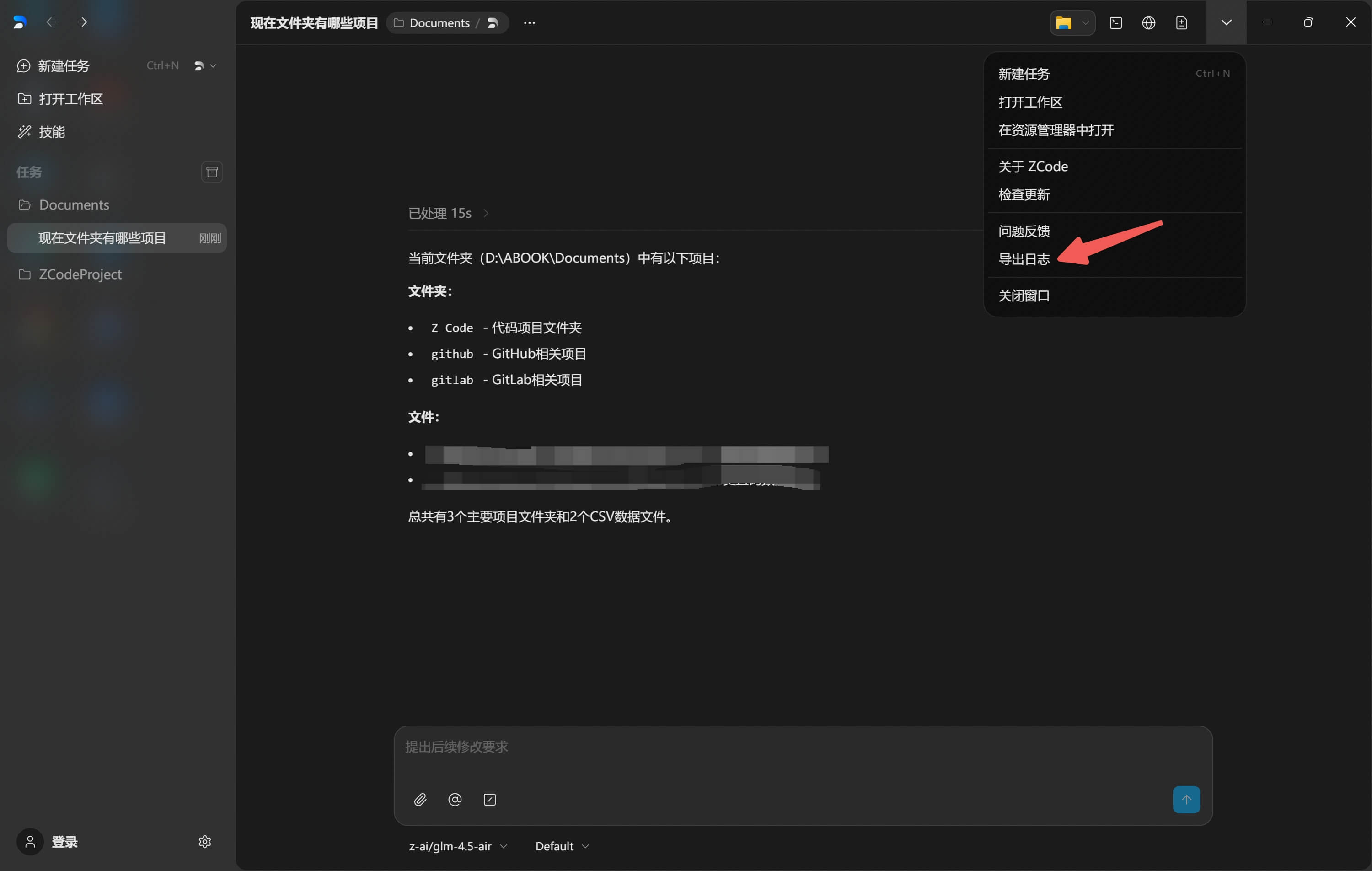
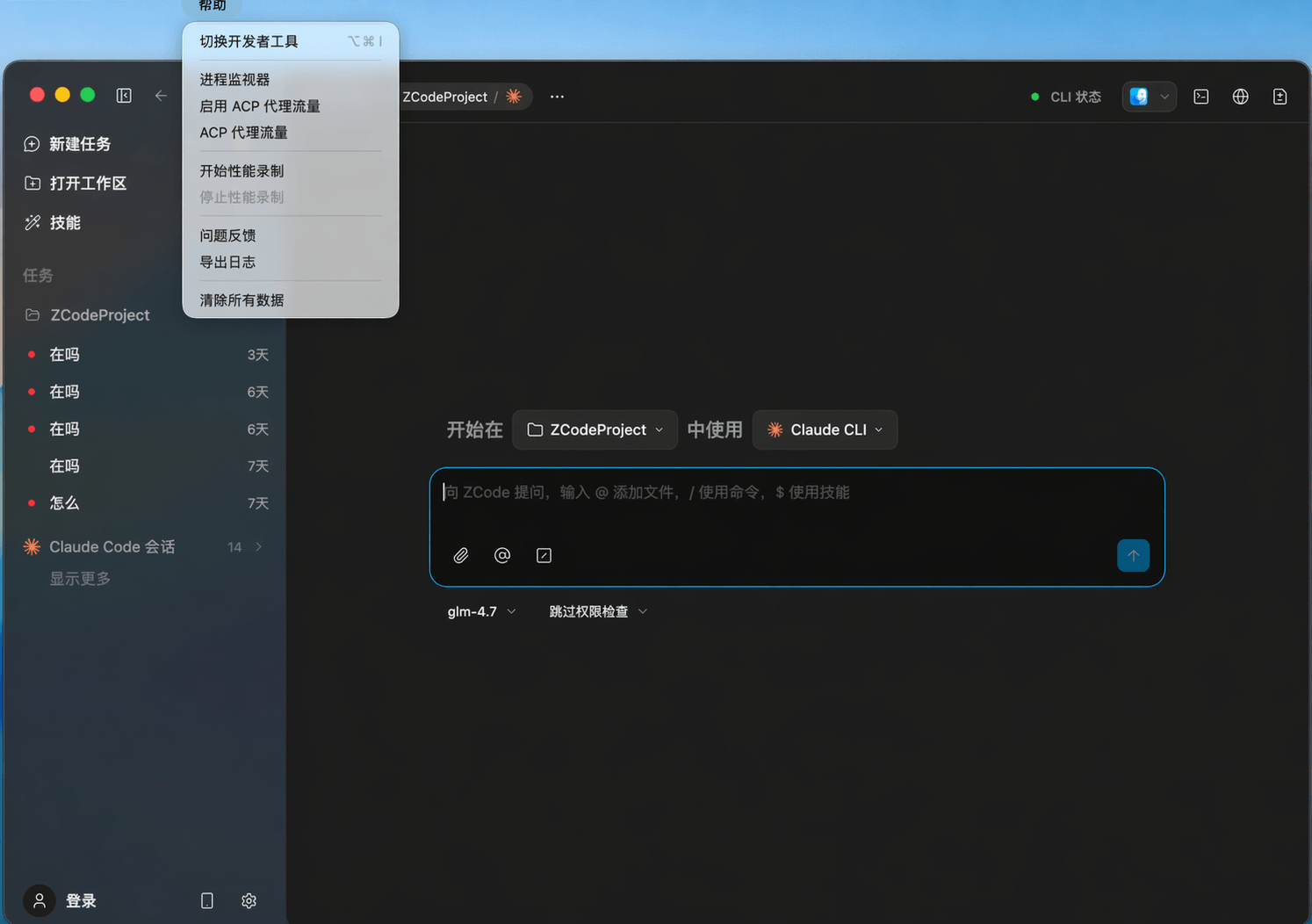
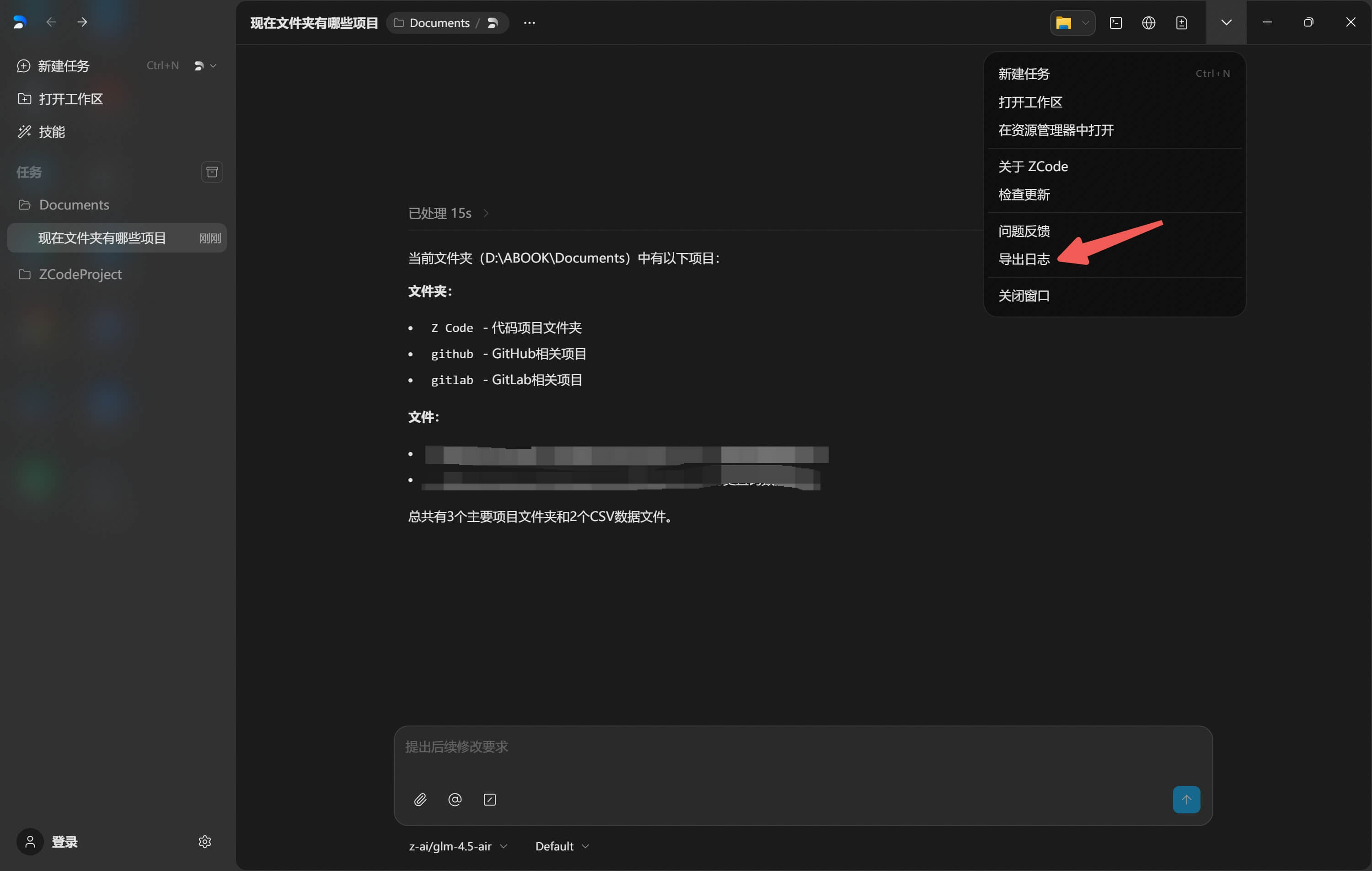
You can also access the feedback form directly within Z Code by clicking Help → Feedback in the top menu bar, which will open the same Feishu feedback form.

How to Package Logs?
Log paths vary by operating system. Follow these steps to find and zip your logs folder.
macOS
- Open Finder, then choose Go -> Go to Folder... from the menu bar.
- Enter
~/.zcodeand press Return to open the folder. - Select the
logsfolder, right-click and choose "Compress 'logs'". - Upload the generated ZIP file to the feedback form.

Windows
- Press
Win + Eto open File Explorer. - Paste the following path in the address bar (replace
[YourUsername]):
Or useC:\Users\[YourUsername]\.zcode%USERPROFILE%\.zcodefor a direct jump. - Press
Enter. - Right-click the
logsfolder and select Send to -> Compressed (zipped) folder. - Upload the ZIP file to the feedback form.