Core Features
Edit History
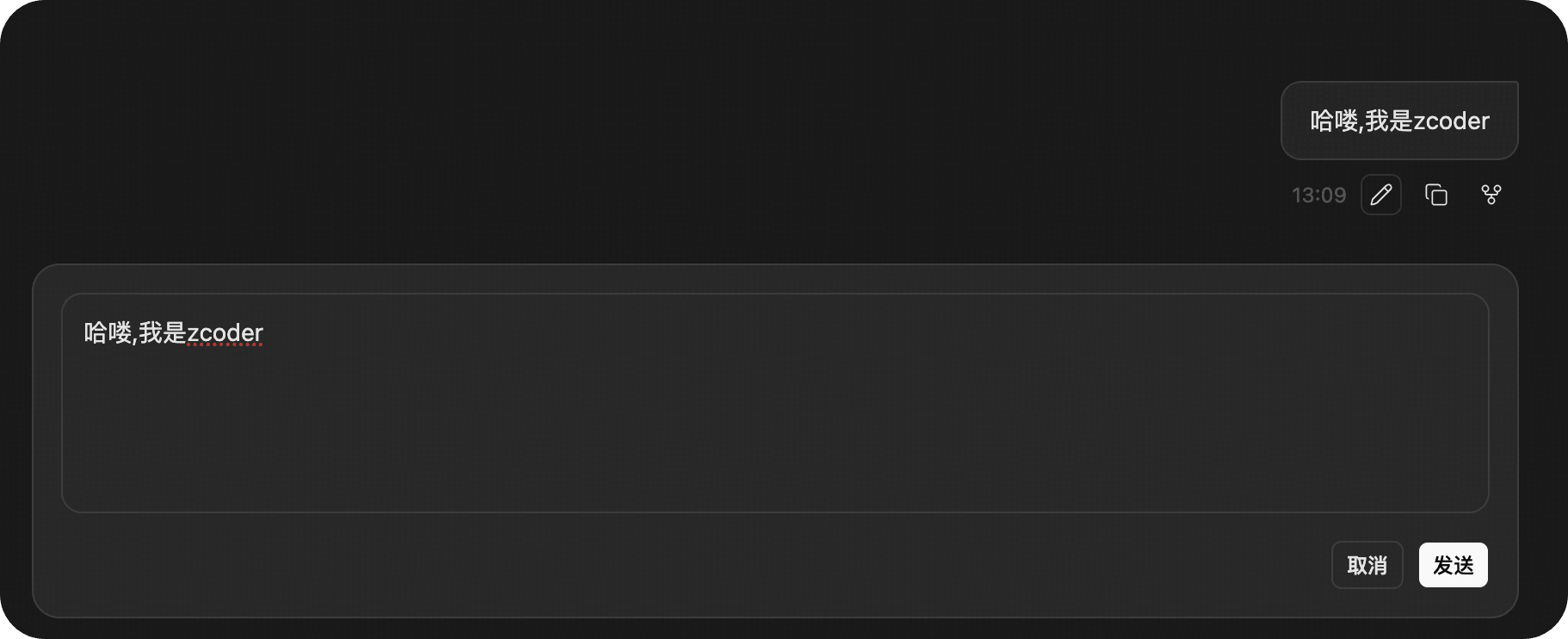
During your interaction with the Agent, you can edit any message you have already sent. This feature allows you to directly modify historical messages when you find inaccurate descriptions, missing context, or need to adjust the task direction, without restarting the conversation.
Entering Edit Mode
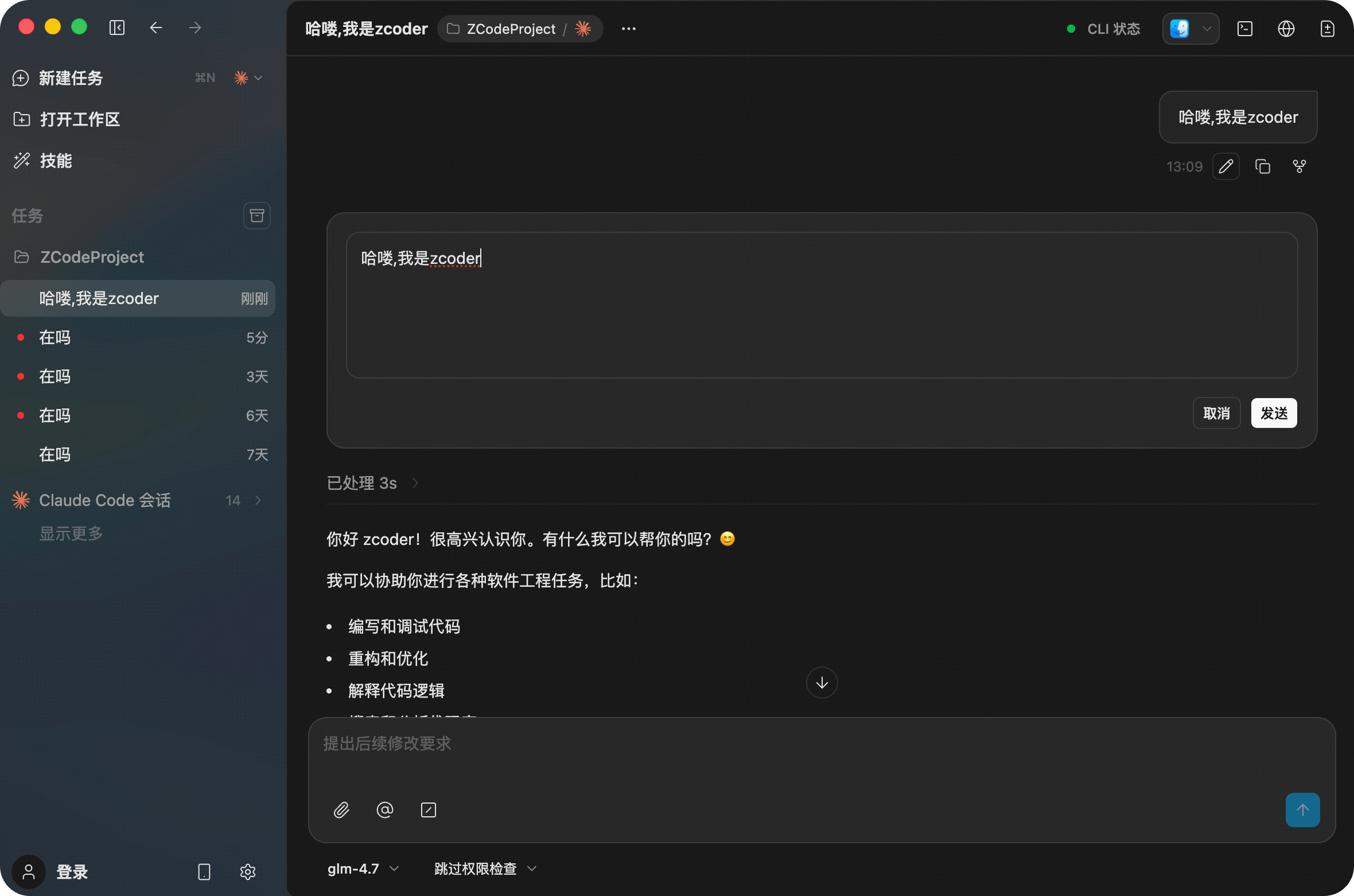
In the conversation history, hover over a message you sent and click the Edit Message icon that appears in the top right corner to enter edit mode.

Key Features
- Real-time Modification: Edit, add, or delete text directly within the original message box.
- Context Preservation: After saving, the Agent re-generates subsequent responses based on the new content while maintaining the previous conversation structure.
Interaction & Feedback
After editing and re-sending, the Agent immediately processes the updated request and presents results in a structured format.

UI Logic Explanation
- Input Box: Supports multi-line text for complex instructions (e.g.,
Review readme and fix outdated information). - Status Feedback: While the Agent is processing, the UI displays a "Loading..." state.
- Structured Output: Results are clearly presented with numbering and bullet points to help you quickly verify completed tasks (e.g.,
Added missing yarn start command).
Use Cases
- Correcting Errors: Fix typos or logical errors in previous instructions.
- Adding Details: Realize you need to provide specific file paths or parameters mid-execution.
- Experimental Adjustments: Fine-tune keywords to observe different outputs and find the best solution.