
Subagents
Subagents are specialized roles prepared for an Agent. You can turn repeated responsibilities such as code review, test debugging, release notes, and UI checks into subagents so the active Agent can delegate focused work when needed.
ZCode reads subagent configuration by source. It currently supports ZCode Agent, Claude CLI, Codex CLI, Gemini CLI, and OpenCode CLI. We recommend starting with ZCode Agent for your team's default working roles, then adding roles for other CLI frameworks when needed.
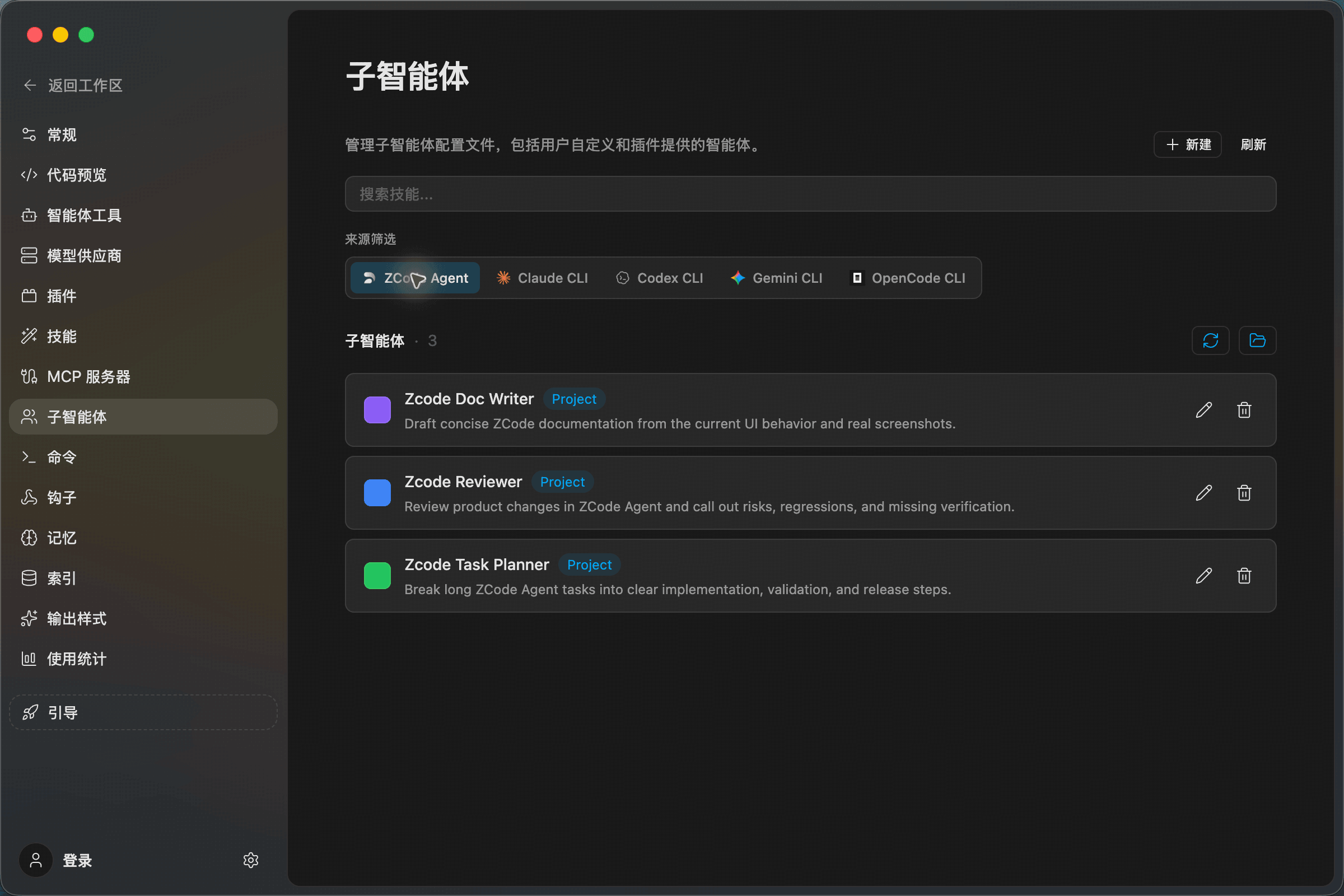
Manage By Source
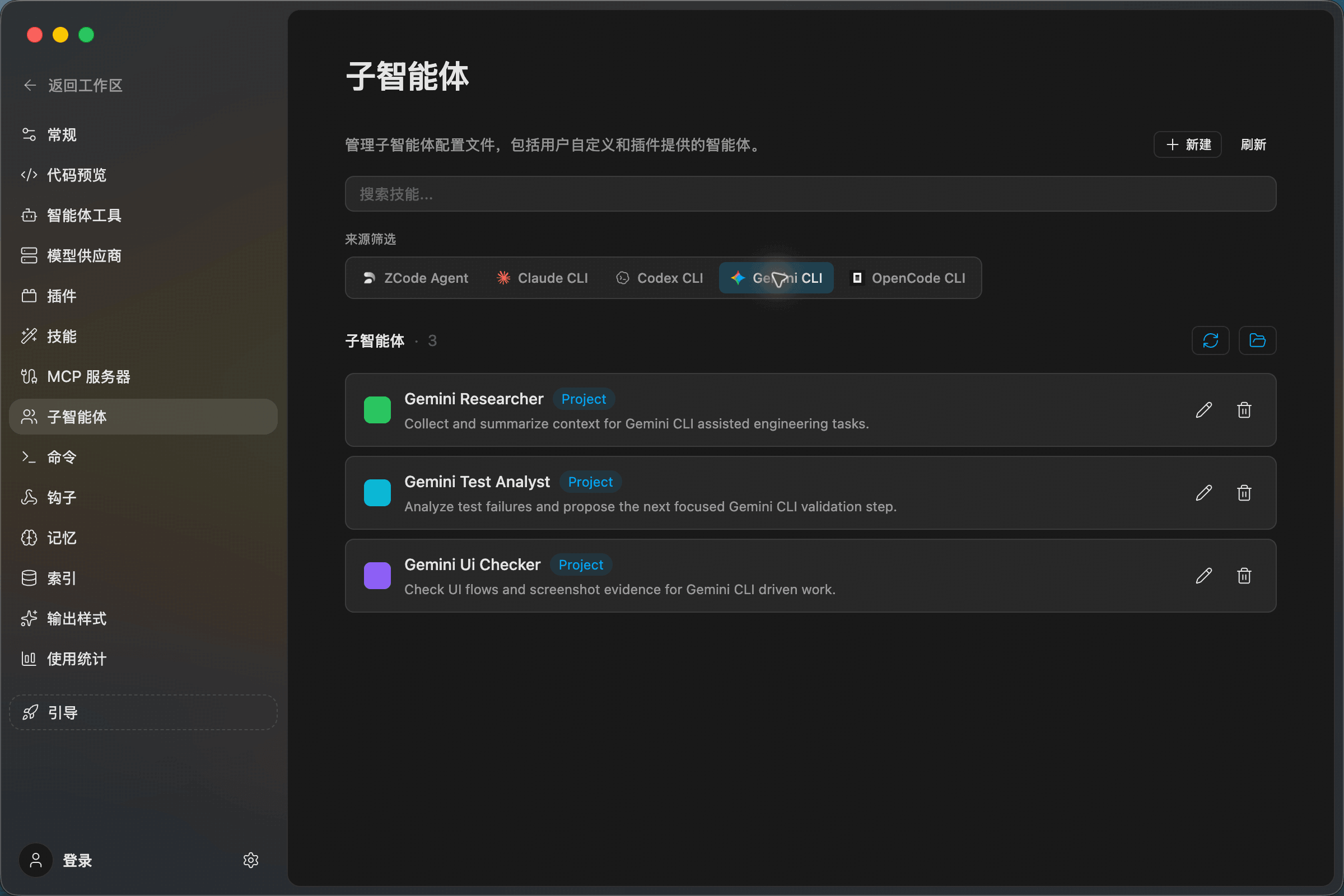
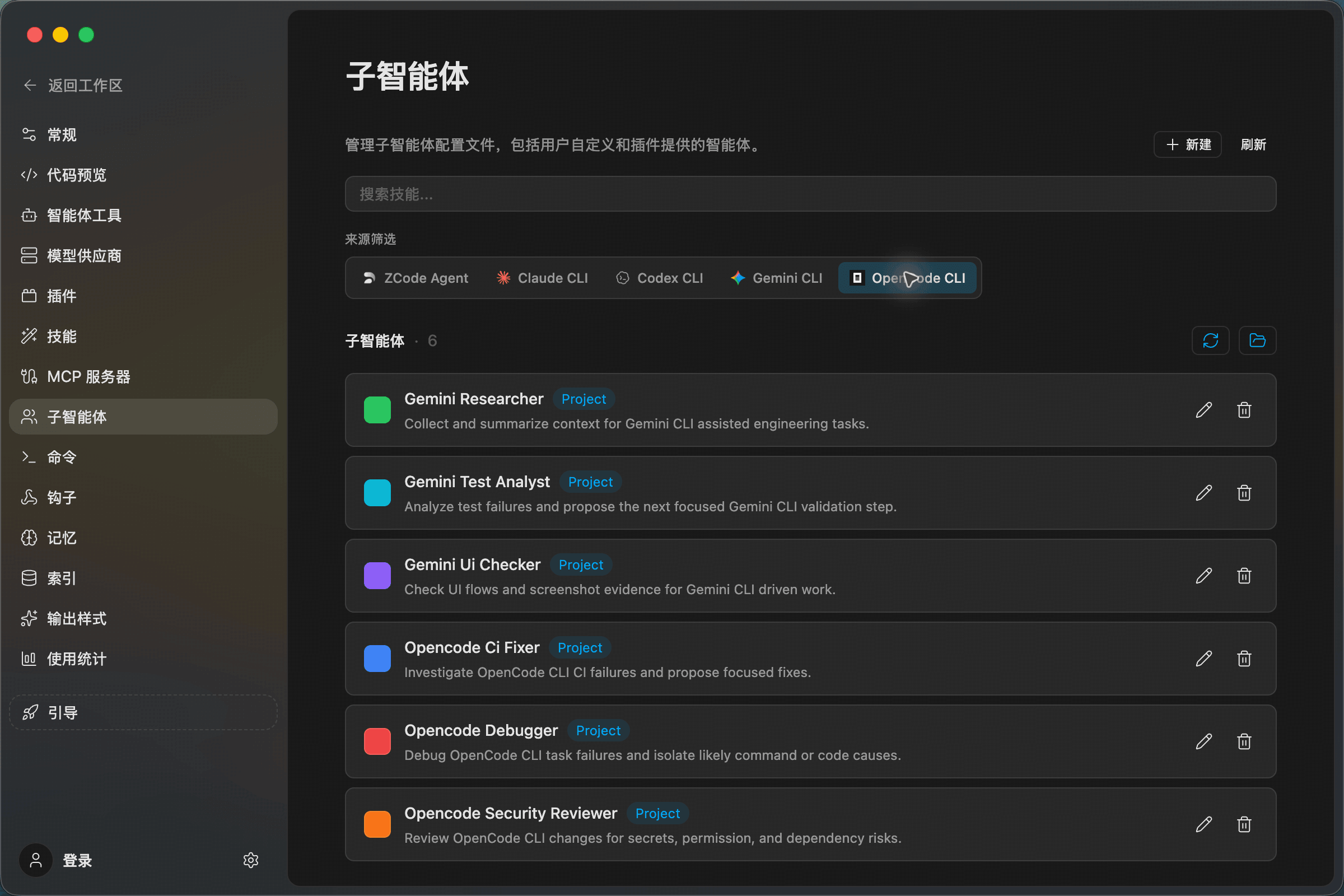
Open Settings -> Subagents and use the source filter to switch between frameworks. Each row shows the subagent name, scope, description, and edit/delete actions.
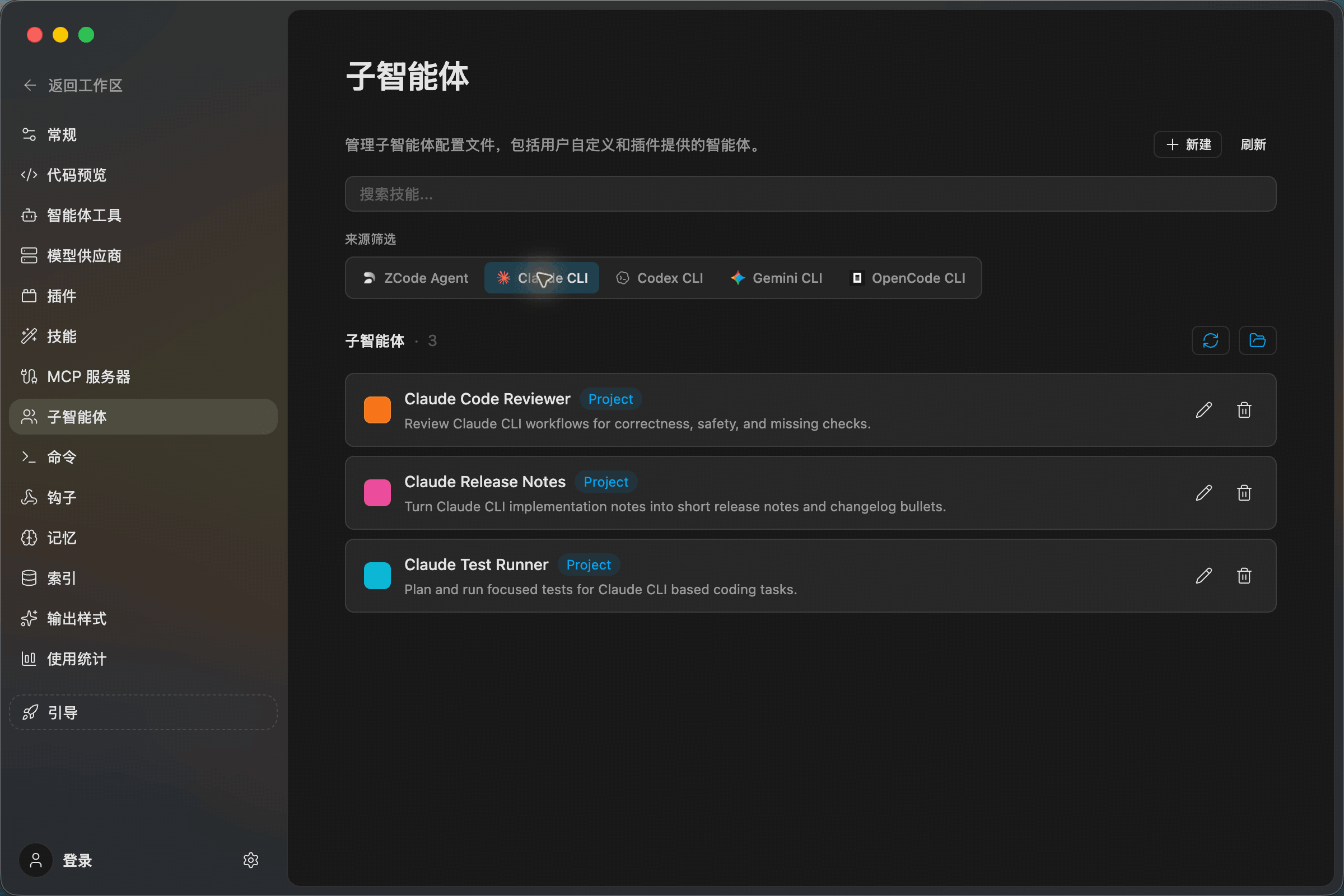
Common sources:
- ZCode Agent: Subagents for ZCode's built-in Agent, useful for team-default roles.
- Claude CLI: Reads Claude CLI agent configuration.
- Codex CLI: Reads Codex CLI agent configuration.
- Gemini CLI: Reads the shared
.agents/agentsconfiguration. - OpenCode CLI: Reads OpenCode-specific configuration and also supports shared
.agents/agents.
Create A Subagent
Switch to the target source, then click New in the upper-right corner. Fill in the name, description, and system prompt, then save to return to the list.
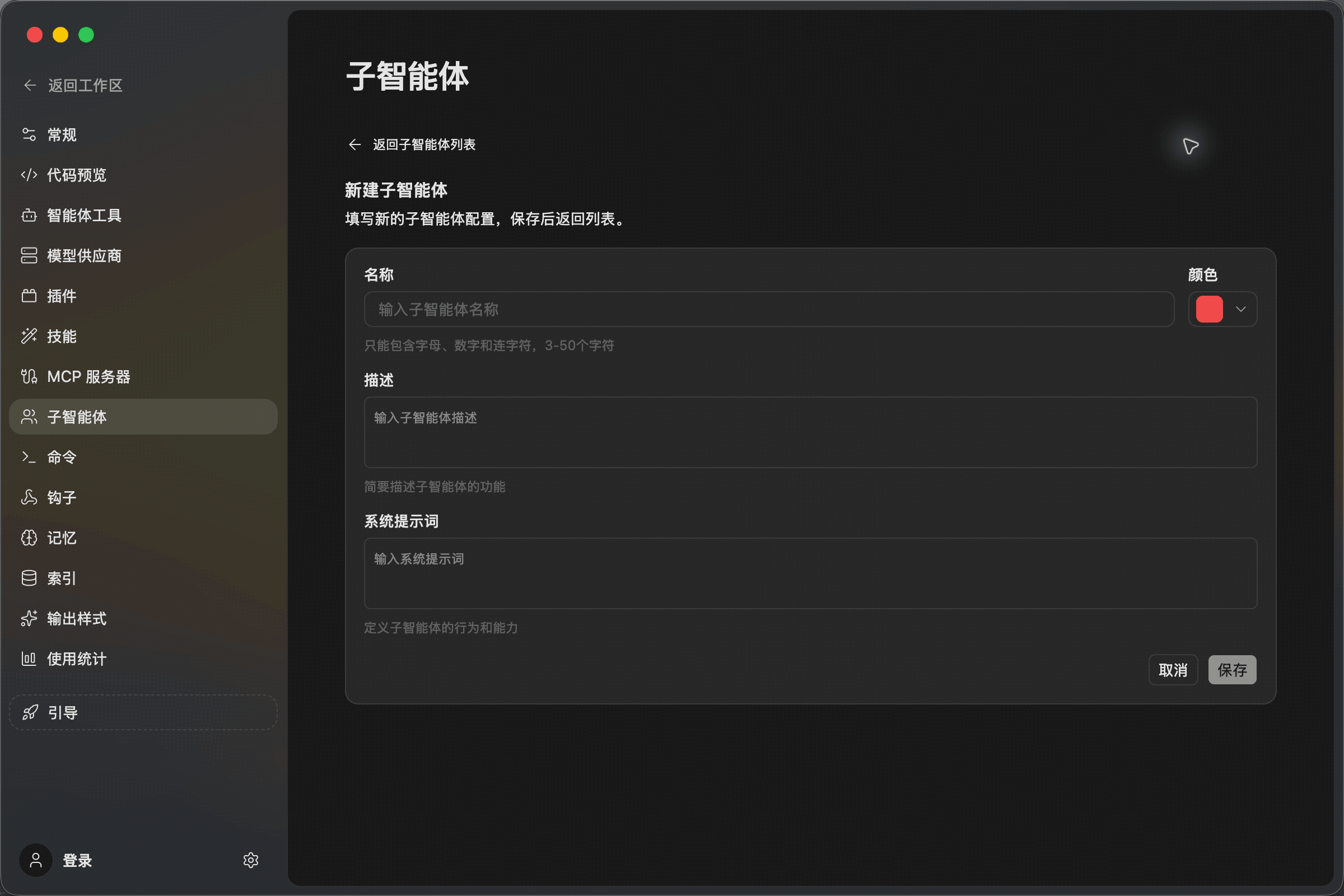
Field guidance:
- Name: Use lowercase English, numbers, and hyphens, such as
zcode-reviewer. - Description: State when this subagent should be used.
- System prompt: Define the role, focus areas, and expected output style.
After creating or editing a subagent, click Refresh and confirm it appears under the selected source. Use the edit button to adjust it, or delete it when it is no longer needed.
Framework Examples
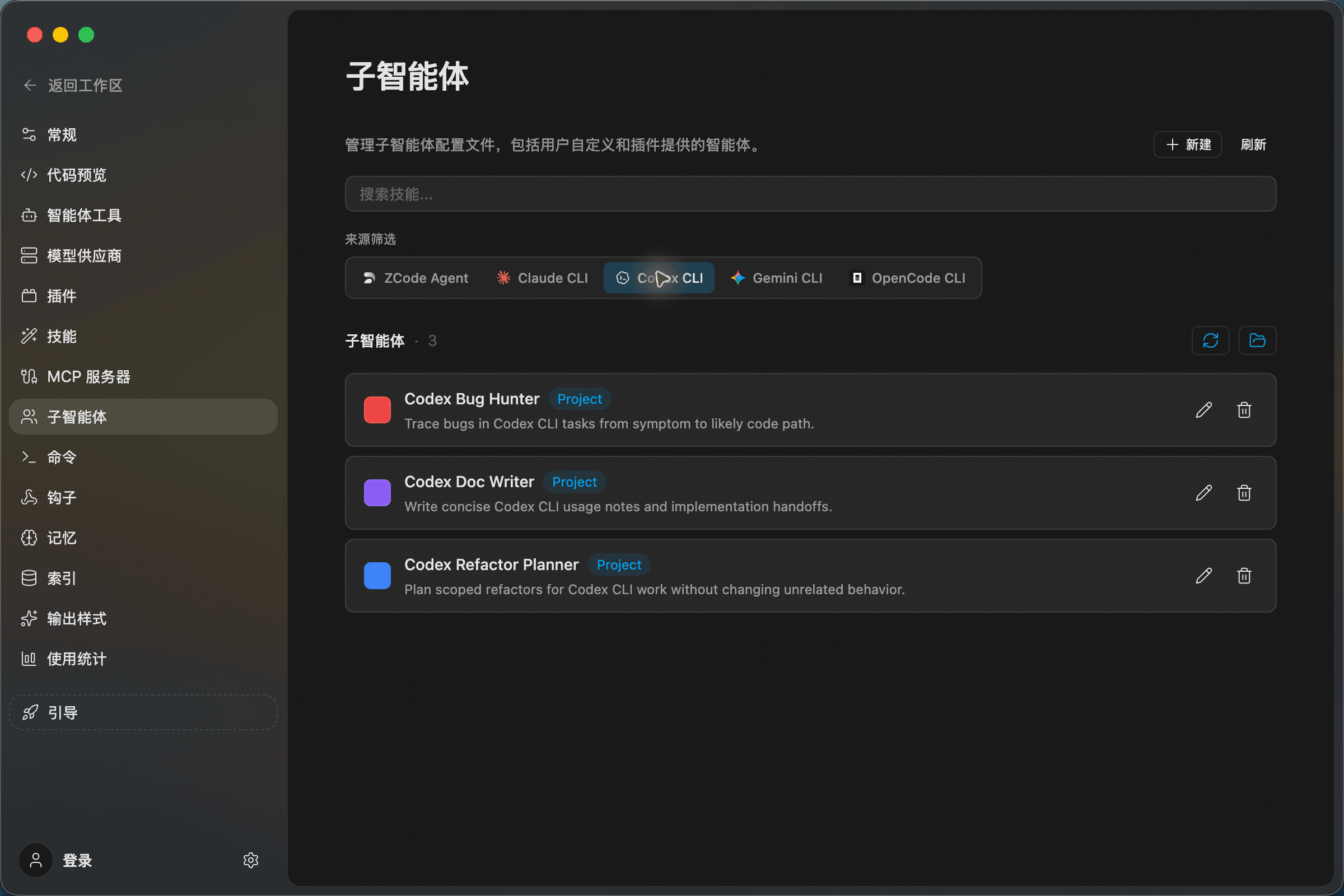
The following examples show the same list view for other sources. A practical setup is usually three to five subagents per framework.
Use In Chat
When you type @ in chat or when the Agent delegates work, ZCode can use enabled subagents from the active framework. Good subagent tasks have a clear role boundary, for example:
Ask zcode-reviewer to check the current changes for regression risk.
Ask codex-bug-hunter to find why this test is failing.
Use a subagent for focused role-based work. Use Command for a simple saved prompt. Use Skill when you need a reusable method, checklist, or context package.