
Multi-Agent Framework
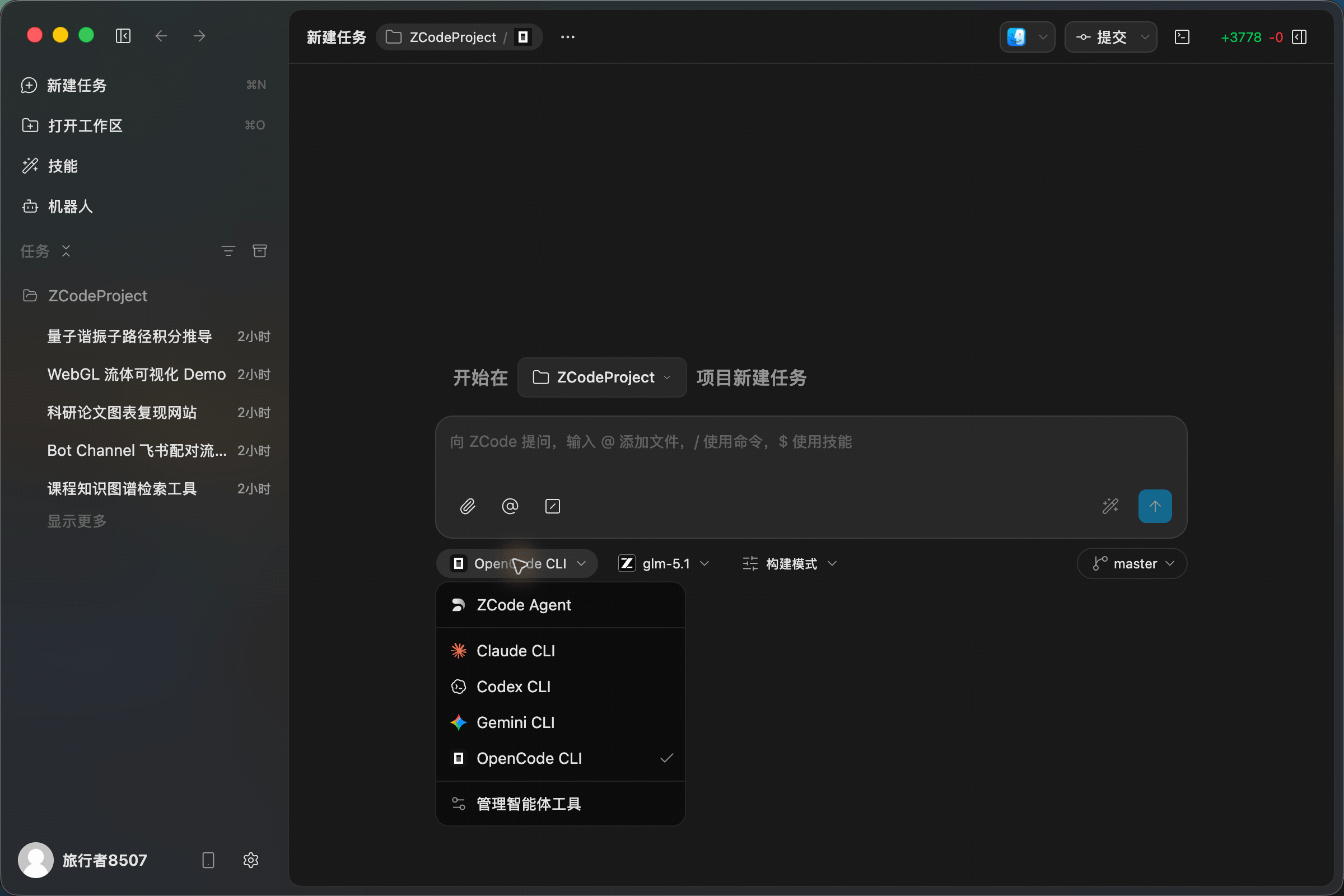
ZCode uses a multi-agent framework architecture that brings the self-developed ZCode Agent and several leading CLI-based AI agents into one desktop experience. You can choose a framework, configure models, set permission modes, and keep development moving inside a single task instead of jumping between separate tools.
How To Choose The Right Agent
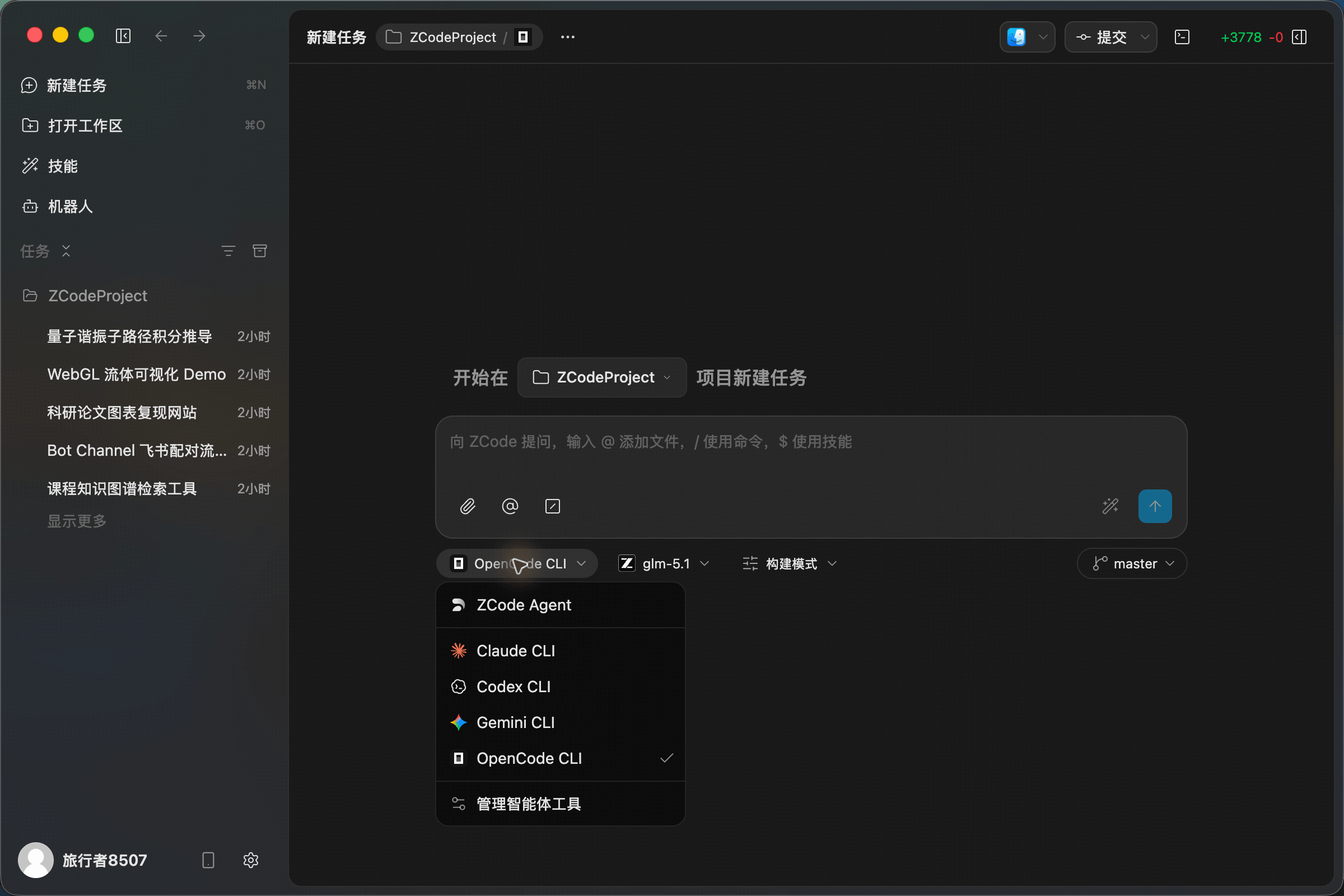
When creating a task, choose the framework that best matches the task complexity, project type, and available context. Start with ZCode Agent by default, then switch to Claude Code, Codex, Gemini CLI, or OpenCode when their strengths fit the job better.
| Agent Framework | Role | Best For |
|---|---|---|
| ZCode Agent | ZCode's default self-developed framework, deeply integrated with tasks, models, permissions, file references, and commit flow | Everyday development, task breakdown, multi-file edits, continuous project work |
| Claude Code | Anthropic's CLI coding agent, strong at long-horizon planning and cross-file reasoning | Architecture refactors, complex multi-step changes, legacy upgrades |
| Codex | OpenAI's coding agent, strong at diagnostics, bug fixing, and engineering execution | Bug isolation, regression fixes, test coverage, deep troubleshooting |
| Gemini CLI | Google's CLI agent, useful for large context, multimodal tasks, and frontend implementation | Frontend pages, design-to-code work, large codebase reading |
| OpenCode | Lightweight open-source agent framework with extensible model backends | Open-source projects, custom models, flexible workflows |
ZCode Agent
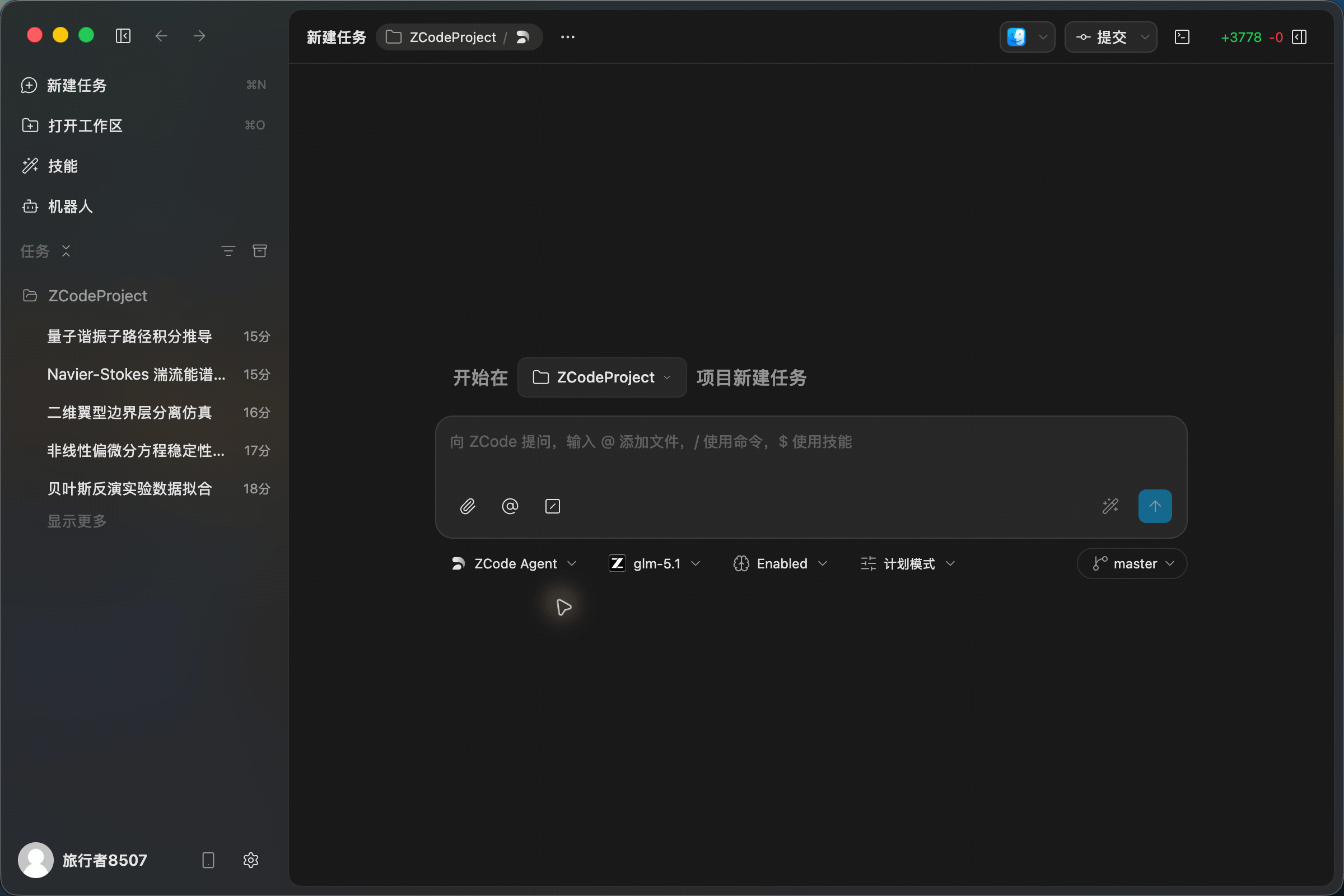
ZCode Agent is the default self-developed agent framework in ZCode. It understands the ZCode workspace, task list, file references, model picker, permission modes, and Git branch state directly, making it a strong fit for the full development loop from understanding a request to editing code and checking changes before commit.
Claude Code
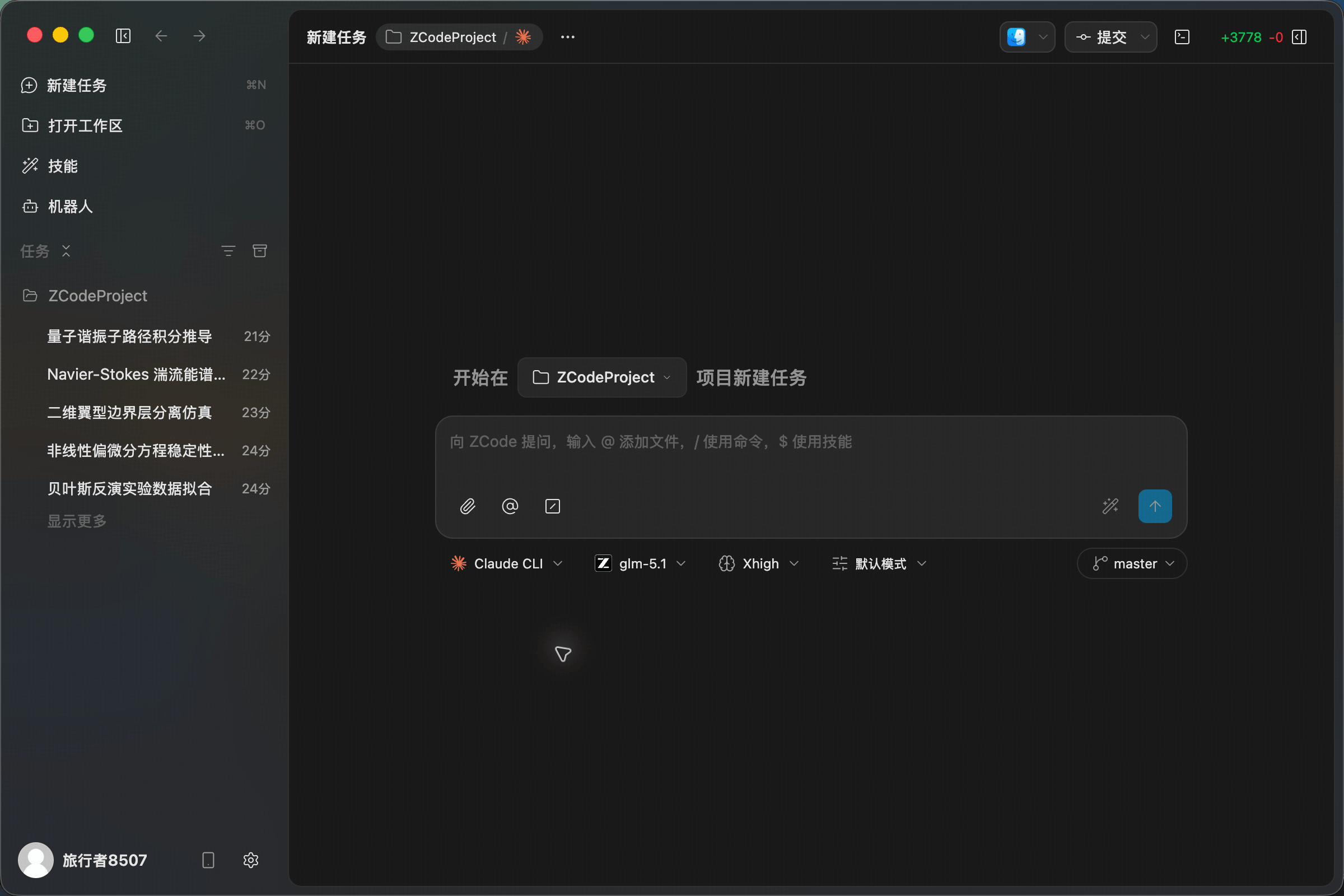
Claude Code is useful for long-horizon work in complex projects, including cross-module refactors, legacy logic cleanup, architecture changes, and multi-file edits. It is especially strong when the task needs planning, step-by-step execution, and consistent reasoning across a large context.
Codex
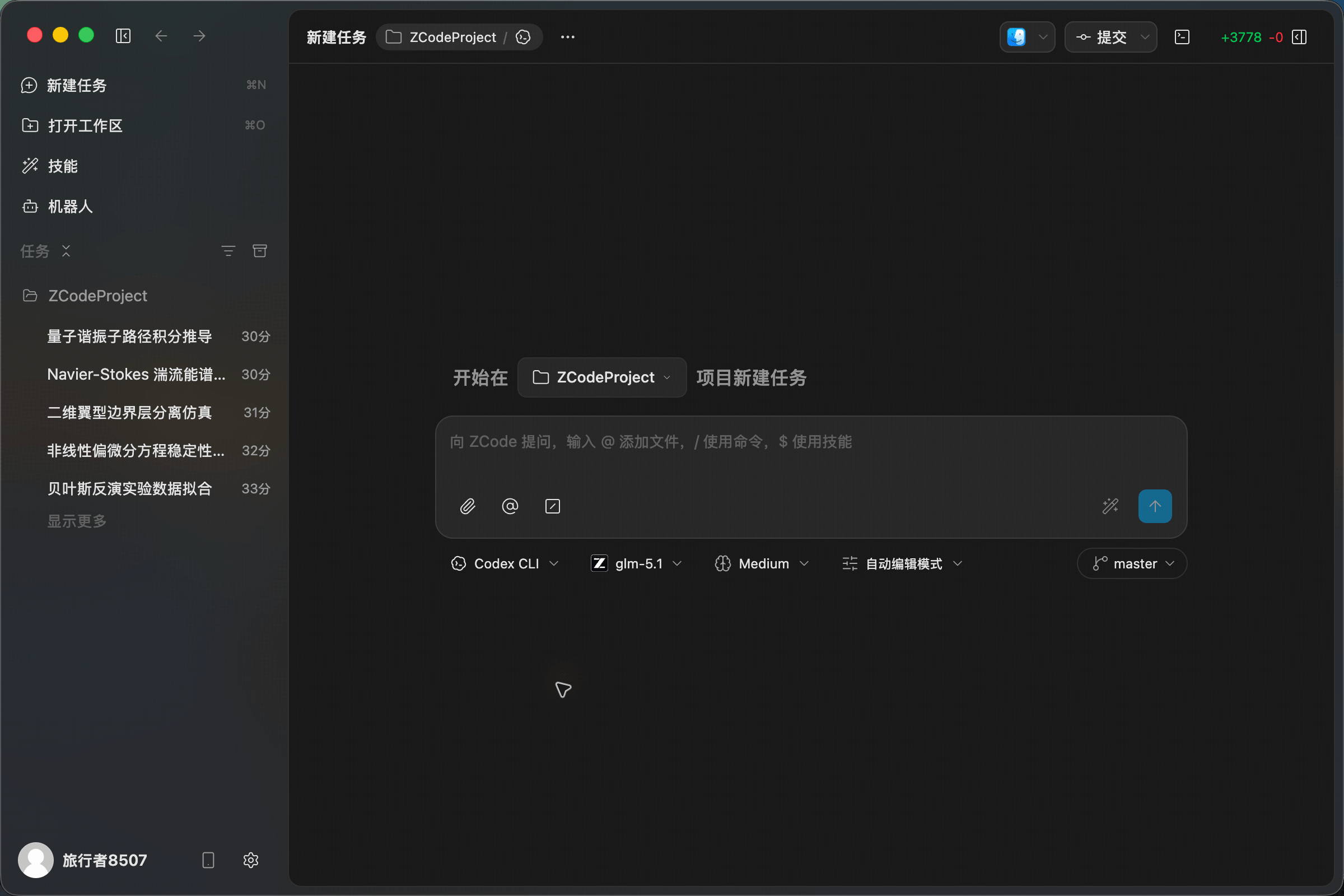
Codex is a good fit for precise diagnostics, bug fixes, test additions, and engineering troubleshooting. It is strong with diffs, stack traces, failing tests, and edge cases, especially when there is already concrete evidence to work from.
Gemini CLI
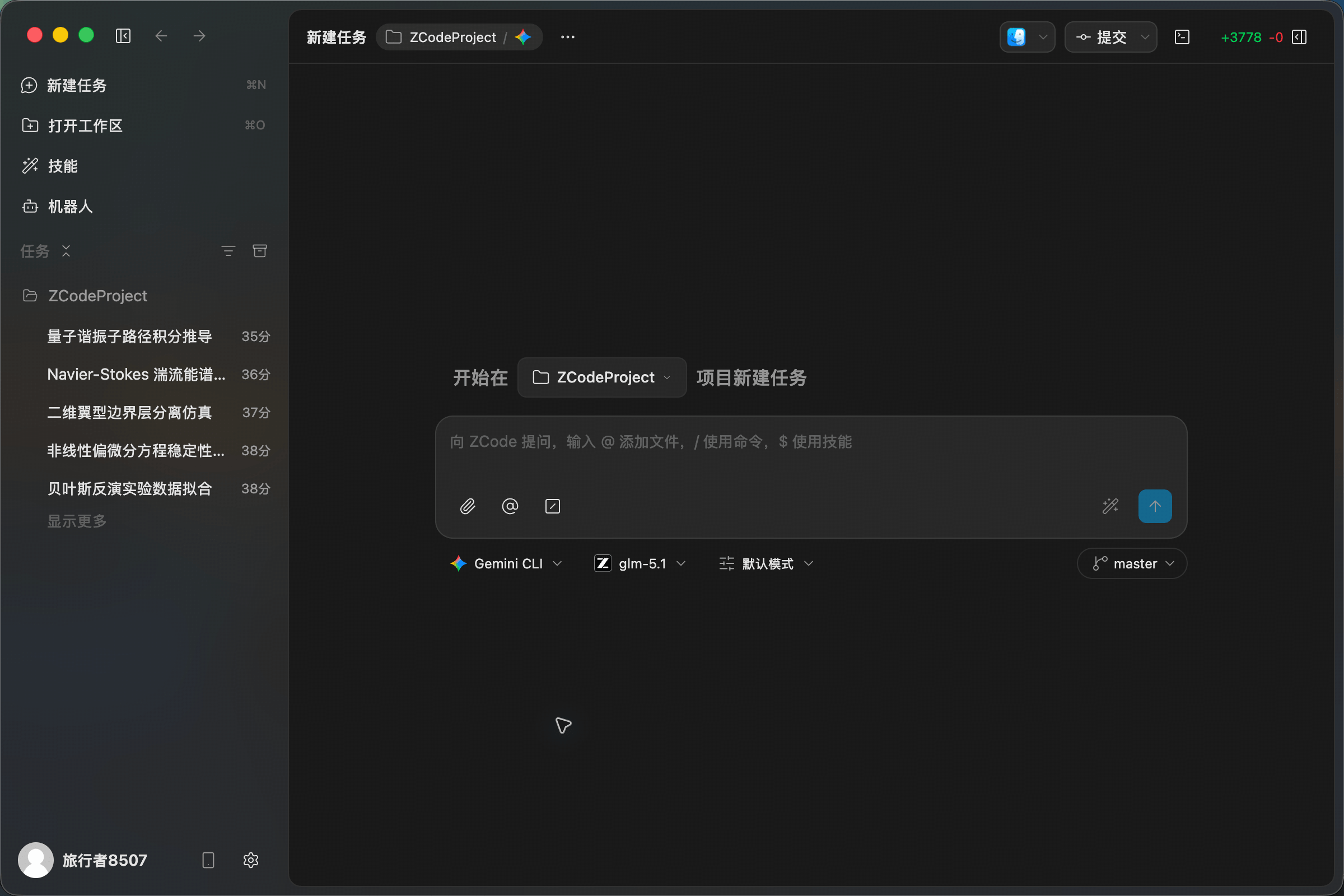
Gemini CLI is useful for frontend implementation, visual-to-code tasks, large-context reading, and multimodal work. It can help when a task involves screenshots, interface structure, or a broad amount of source material.
OpenCode
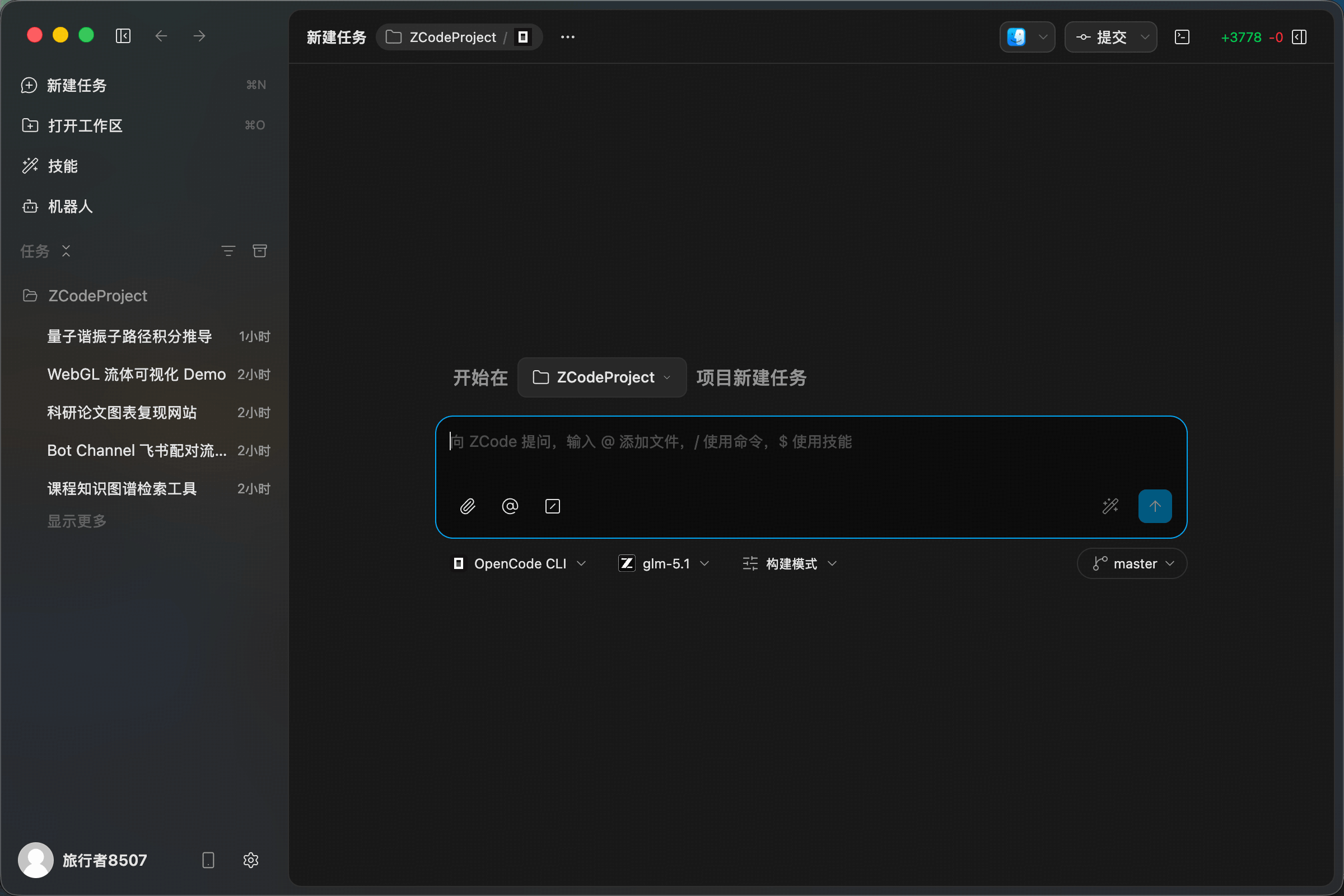
OpenCode is a lightweight and flexible open-source agent framework. It is useful when you need custom model backends, open-source workflows, or more control over the execution chain.
Switch Agent Frameworks
During a conversation, you can switch frameworks at any time from the top menu without creating a new task. Because each framework excels in different areas, switching flexibly lets you get the best assistance within the same workflow.
Workflow Suggestions
- Start with ZCode Agent for everyday development: it is the most deeply integrated with ZCode tasks, models, permissions, file references, and commit flow.
- Switch to Claude Code for complex refactors: it is better for long-horizon planning, cross-file understanding, and sustained reasoning.
- Switch to Codex for bug fixing: it is effective when you already have logs, reproduction steps, or failing tests.
- Switch to Gemini CLI for frontend and multimodal tasks: it is useful for screenshots, UI implementation, and large-context reading.
- Switch to OpenCode for custom workflows: it is useful when you need an open framework, extensible model backends, or a more flexible execution chain.