
Plugin
Plugin manages Claude CLI plugins and plugin marketplaces. This feature currently supports Claude CLI only: installing, enabling, disabling, uninstalling, and marketplace management all apply to the Claude CLI plugin system.
If you are using ZCode Agent, Codex CLI, Gemini CLI, or OpenCode CLI, those frameworks do not currently read plugins installed from this page.
The page has three main areas: Discover for installing plugins, Installed for enabling, disabling, or uninstalling plugins, and Marketplace for maintaining plugin sources.
Discover Plugins
Open Plugin and the Discover tab shows Claude CLI plugins available from the connected marketplaces.
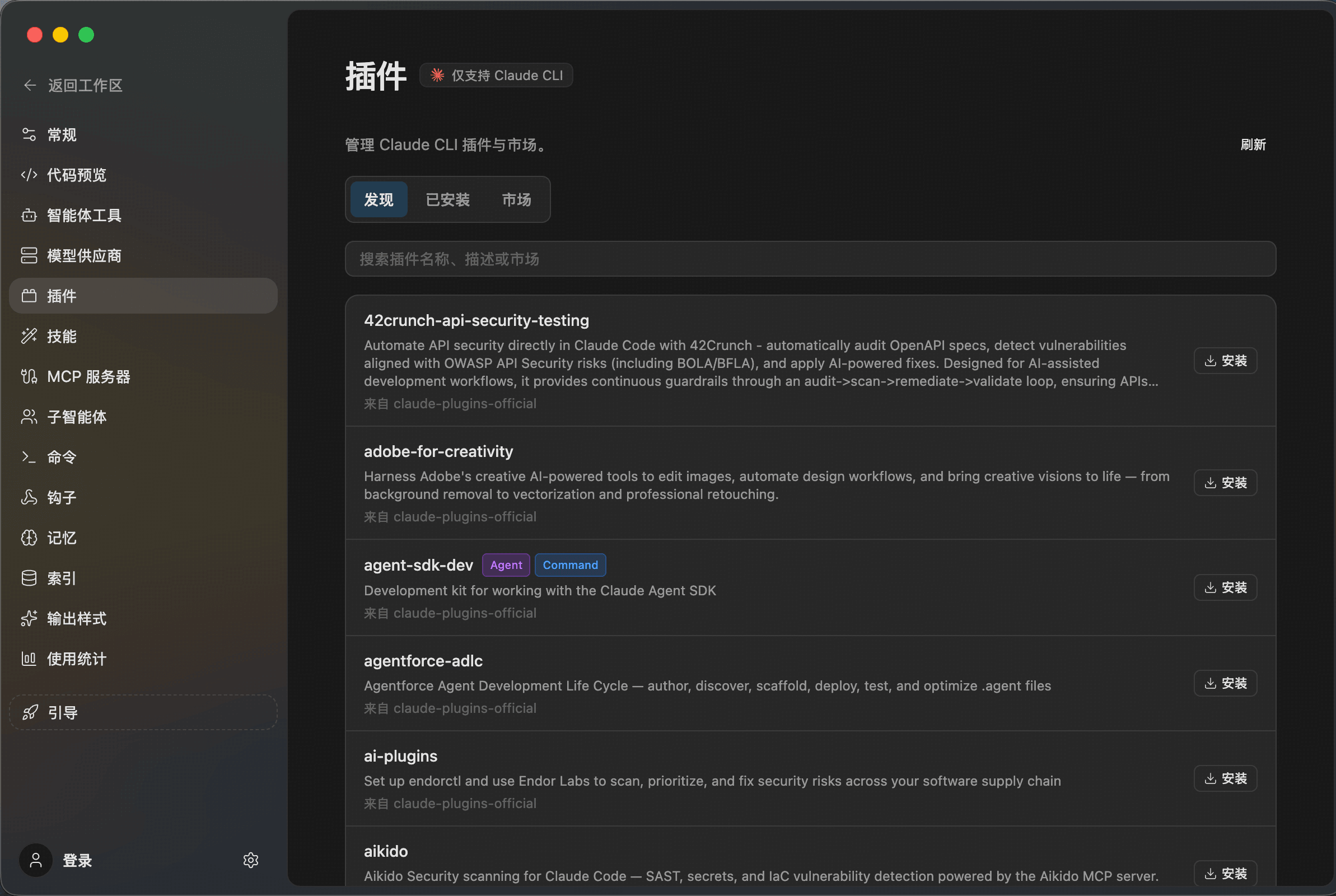
Use the search box to filter by plugin name, description, or marketplace source. Each row shows the plugin name, summary, marketplace source, and install action.
Manage Installed Plugins
Switch to Installed to review Claude CLI plugins already installed locally.
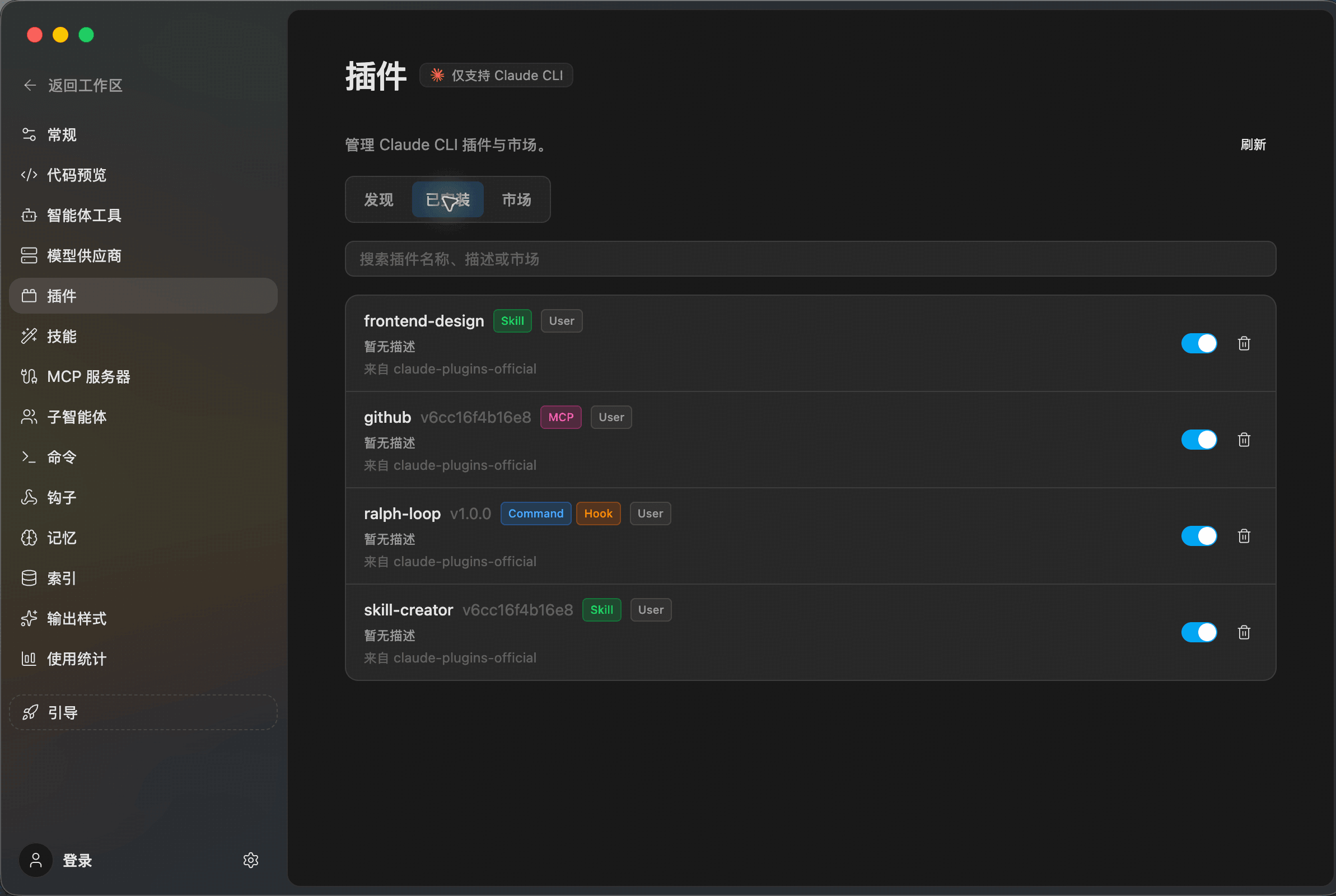
From this page you can:
- Check plugin types such as
Skill,MCP,Command, andHook - Enable or disable a plugin with the switch
- Uninstall plugins you no longer need
Manage Marketplaces
Switch to Marketplace to maintain Claude CLI plugin marketplace sources.
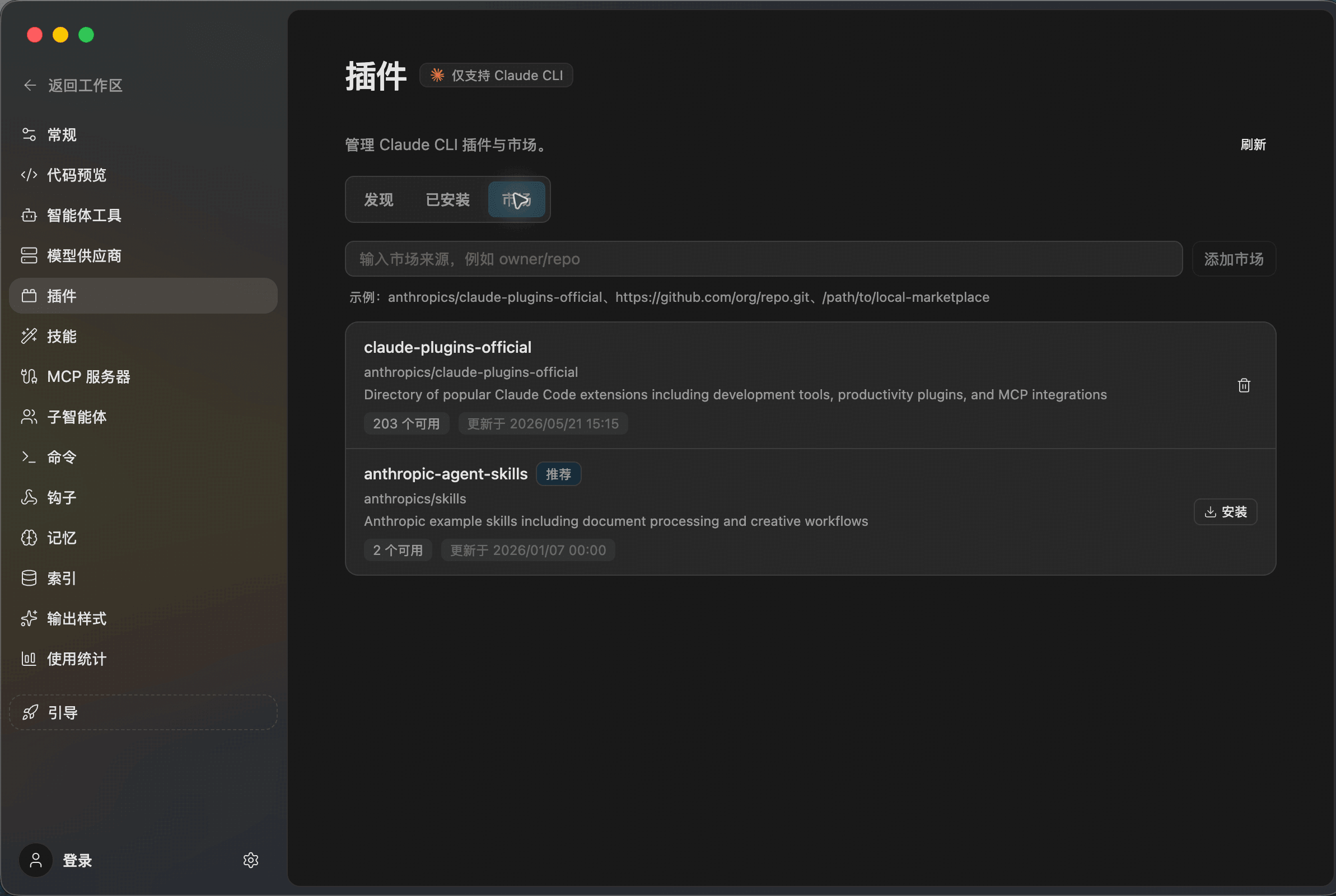
A marketplace source can be an official marketplace, a GitHub repository, or a local path. After adding a source, ZCode reads the available plugins from it and shows them in Discover.