
Core Features
Multi-Agent Workspace
Z Code V2 puts choosing an Agent and switching models on the same path. Everything happens from the Provider selector in the lower-left corner of the conversation UI.
Built-In Agent Lineup
| Agent | Position in the workspace |
|---|---|
| ZCode Agent | The new in-product Agent experience |
| Claude Code | Available inside the same desktop workspace |
| Codex | Available inside the same desktop workspace |
| Gemini | Available inside the same desktop workspace |
| OpenCode | Available inside the same desktop workspace |
The goal here is simple: one workspace, multiple Agent choices, one desktop interaction model.
How It Fits The New Release
- ZCode Agent leads the workspace while staying side by side with Claude Code, Codex, Gemini, and OpenCode.
- Agent switching is direct from the main conversation flow.
- The workspace stays unified even when your task changes from one Agent style to another.
Provider Setup
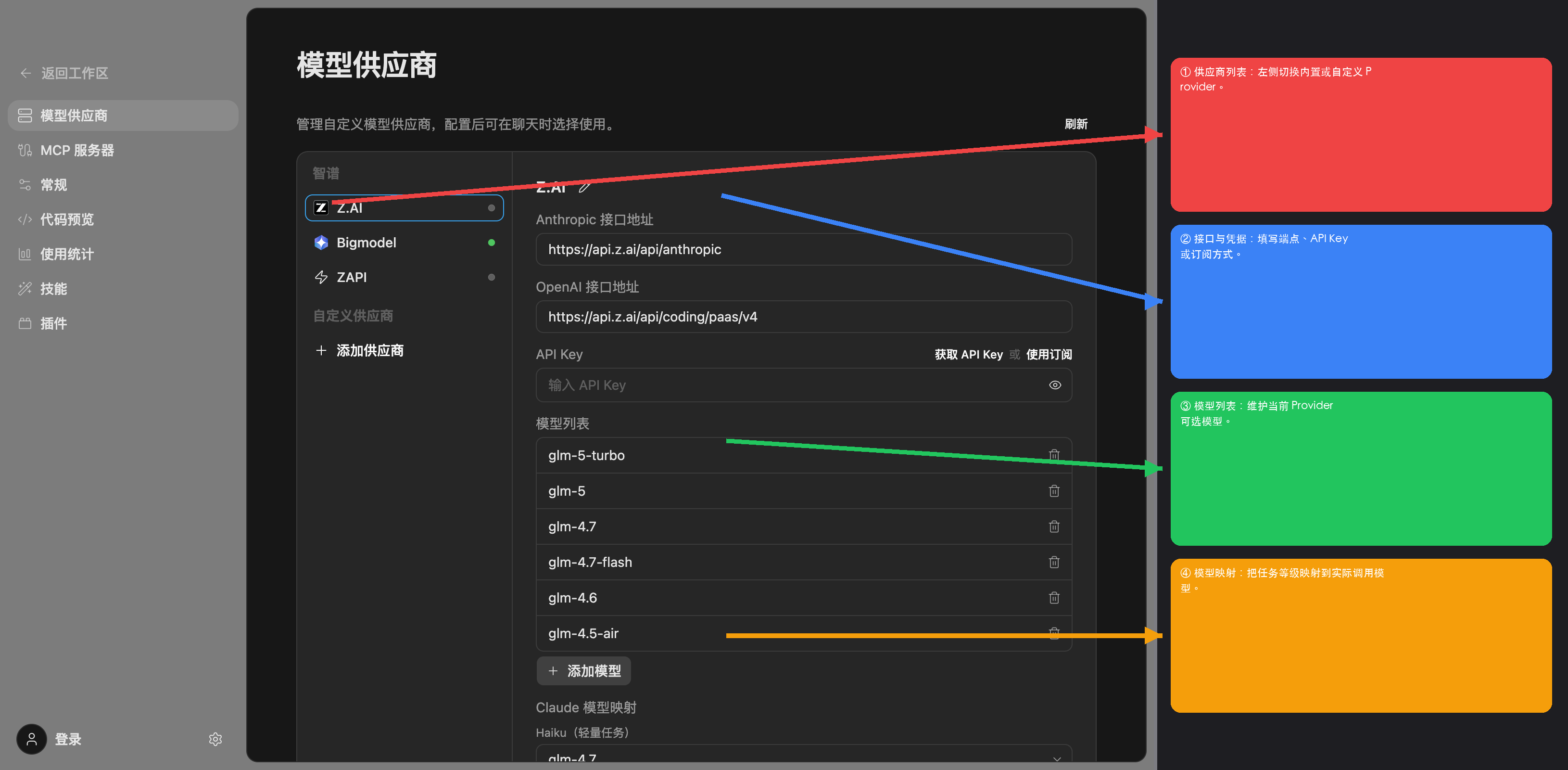
Use Settings -> Model Providers to sign in or add the required credentials for each Agent family, then return to the workspace and choose the Agent you want from the selector.